networking
pfSense VLAN Configuration Explained: Tags, Rules, DHCP
How pfSense VLANs work end to end: parent interface, 802.1Q tags, interface assignment, DHCP, default-deny ru…
pfSense Router Guide focuses on edition decisions and the limits that shape a firewall's workload. Start with pfSense CE vs pfSense Plus to compare release timing, configuration compatibility and acceleration features. Use the linked vendor documentation to check licensing and migration prerequisites before changing editions.
Our role in the network is editions and capacity planning. pfSense Lab covers installation, package setup and general hardware requirements. Here, the questions are whether an edition fits your VPN workload, how much memory your states and inspection need, and which part of a traffic path sets the throughput ceiling. The guides use published documentation and explicit planning assumptions.
pfSense throughput and state-table sizer →
Compare pfSense CE and Plus: the $129 yearly TAC Lite price, Plus-only features like OpenVPN DCO and ZFS boot environments, and release cadence.
Read the article →How pfSense VLANs work end to end: parent interface, 802.1Q tags, interface assignment, DHCP, default-deny ru…
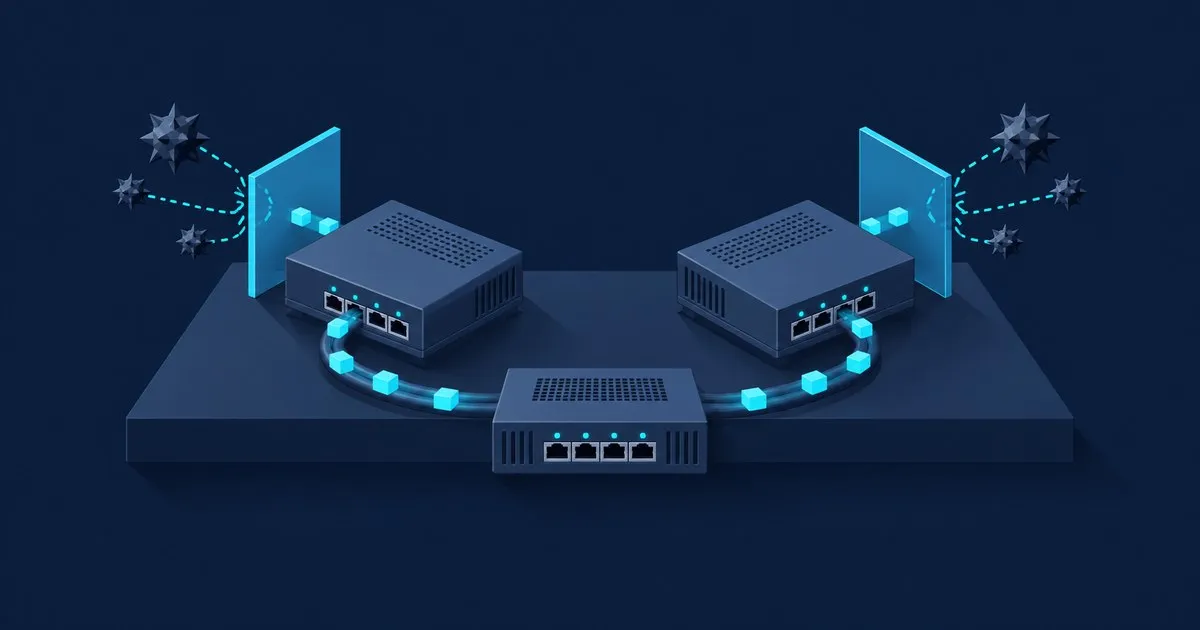
Pick Suricata for most pfSense firewalls: a multithreaded engine and Suricata-native ET Open rules. Snort 2.9…
Size pfSense for VPN, IDS and peak state counts, and find whether routing, encryption or inspection sets the …
A diagnostic order for slow pfSense throughput, from where to measure first to the network buffer, PPPoE and …
Planning a deployment or comparing capacity claims? Size the pfSense workload using peak states, inspected interfaces and encrypted traffic. The guide separates packet processing, VPN acceleration and inspection costs, so a port speed or CPU core count is not mistaken for a performance guarantee.
Troubleshooting an existing router? Follow the pfSense slow-speed diagnostic order. It starts with the traffic path and interface counters, then works through buffers, PPPoE and inspection. Use it to identify the constraint before replacing equipment.